

For children and teenagers · ages 10–15
Game Development — Roblox Studio and Unity
Your child learns how a game goes from an idea to a working version and builds a game of their own: in Roblox Studio with Lua and in Unity with C#.
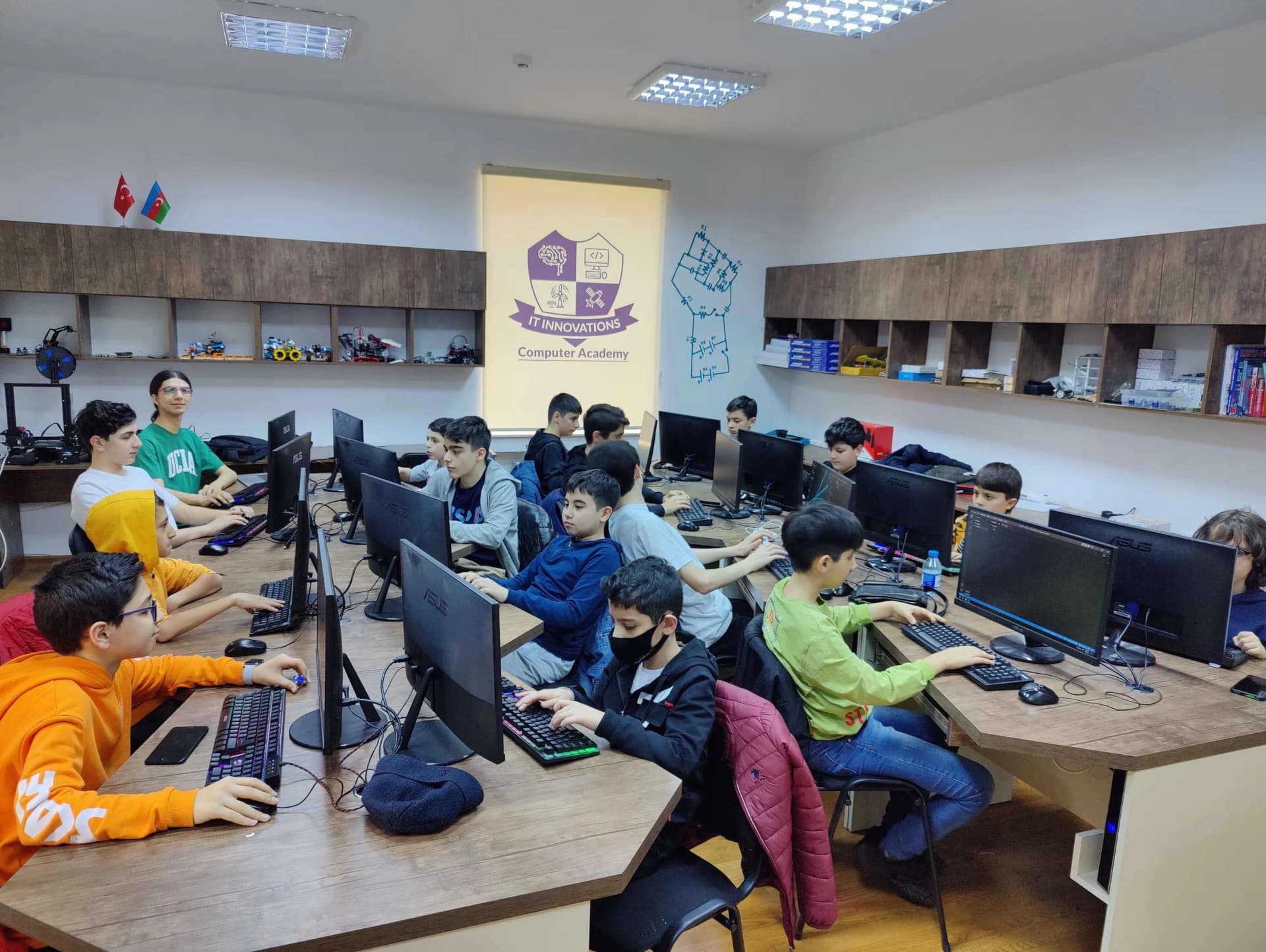
- Age
- 10–15
- Format
- In person
- Language
- Azerbaijani / Russian
Course outcome
What you will gain
- Planning a game through its goal, rules and levels
- Building a 3D world in Roblox Studio and scripting it in Lua
- Creating player control and physics in Unity with C#
- Building a game interface: score, lives and menus
- Testing a game, collecting feedback and improving it
- Sharing tasks in a team and presenting the project
Programme overview
About the course
The course is for children and teenagers who enjoy playing games and want to know what lies behind them. The student starts thinking as a developer rather than a player: rules, goals, difficulty and balance become their own decisions.
A game starts on paper
Every project begins with a short idea document: what the player's goal is, what stands in the way and how the levels are laid out. This stage teaches students to state an idea clearly and plan the work.
Roblox Studio and Lua
In Roblox Studio the student works with a 3D world, objects and materials, then writes Lua variables, functions and events to build game mechanics: collecting items, obstacles and points. The move to text-based code happens in an environment where the result is visible at once.
Unity and C#
In the Unity part, students use C# to build player control, physics, collisions, the interface (score, lives, menus) and sound. Both environments are covered; depth and order depend on the student's age and level.
Testing, feedback and improvement
The final project is built in a team and tested by classmates. Students collect feedback, tune difficulty and balance, then present the game. The course is good preparation for Software Engineering and AI Engineering.
The aim is not a child who spends time playing games but a young developer who can plan an idea and turn it into a working game.
Technologies and tools
- Roblox Studio
- Lua
- Unity
- C#
- Game design
- Level design
Curriculum
Syllabus
Game Development — Roblox Studio and Unity has 2 sections and 8 modules. Open a section to see its topics.
Foundations4 modules
- Game design basics and the idea document
- Roblox Studio: world, objects and materials
- Lua basics: variables, functions and events
- Game mechanics in Roblox: collecting, obstacles and points
Practice and final project4 modules
- The Unity environment and C# basics
- Player control and physics in Unity
- Interface, sound and level design
- Final project: a complete game, testing and presentation
Simplified teaching model
Tullanma fizikası və maneə balansı
Tullanma sürətini, cazibəni, qaçış sürətini və maneənin ölçüsünü dəyişərək maneənin çox asan, balanslı, çətin və ya keçilməz olduğunu yoxlayın.
The interactive model is in Azerbaijani.
Groups and enrollment
Before you choose
- Starting skills
- Choose a starting level that fits your experience and goals.
- Schedule and start
- Confirm class days, times, session length and start date.
- Group instructor and language
- Confirm your group’s instructor and teaching language.
- Equipment
- Ask what equipment you need and what the laboratory provides.
- Practice and assessment
- Review project examples and the assessment process.
- Enrollment terms
- Check what is included, payment and participation terms.
Next steps
- Send a course inquiry.
- Confirm a suitable group and participation terms.
- Before enrollment, confirm the time of the first on-site class and its room at the academy.
An inquiry is not automatic enrollment or payment.
Ask about a groupTopics and skills are curriculum goals; individual results depend on participation and completed work.
Baku · In-person classes
Venue
Academy address
116A Nasib bey Yusifbeyli Street, Narimanov, Baku AZ1025 (near Ganjlik metro station)
Opening hours: Monday–Friday: 09:00–18:00 · Saturday: 10:00–16:00
Frequently asked questions
Who is the Game Development — Roblox Studio and Unity course for?
The course is taught for the matching age and level (10–15). Contact IT Innovations Academy for details. Address and WRO/achievements: /en/faq.
What languages is the course taught in?
Teaching languages: Azerbaijani / Russian.