For children and teenagers · ages 7–10
Scratch and Visual Programming
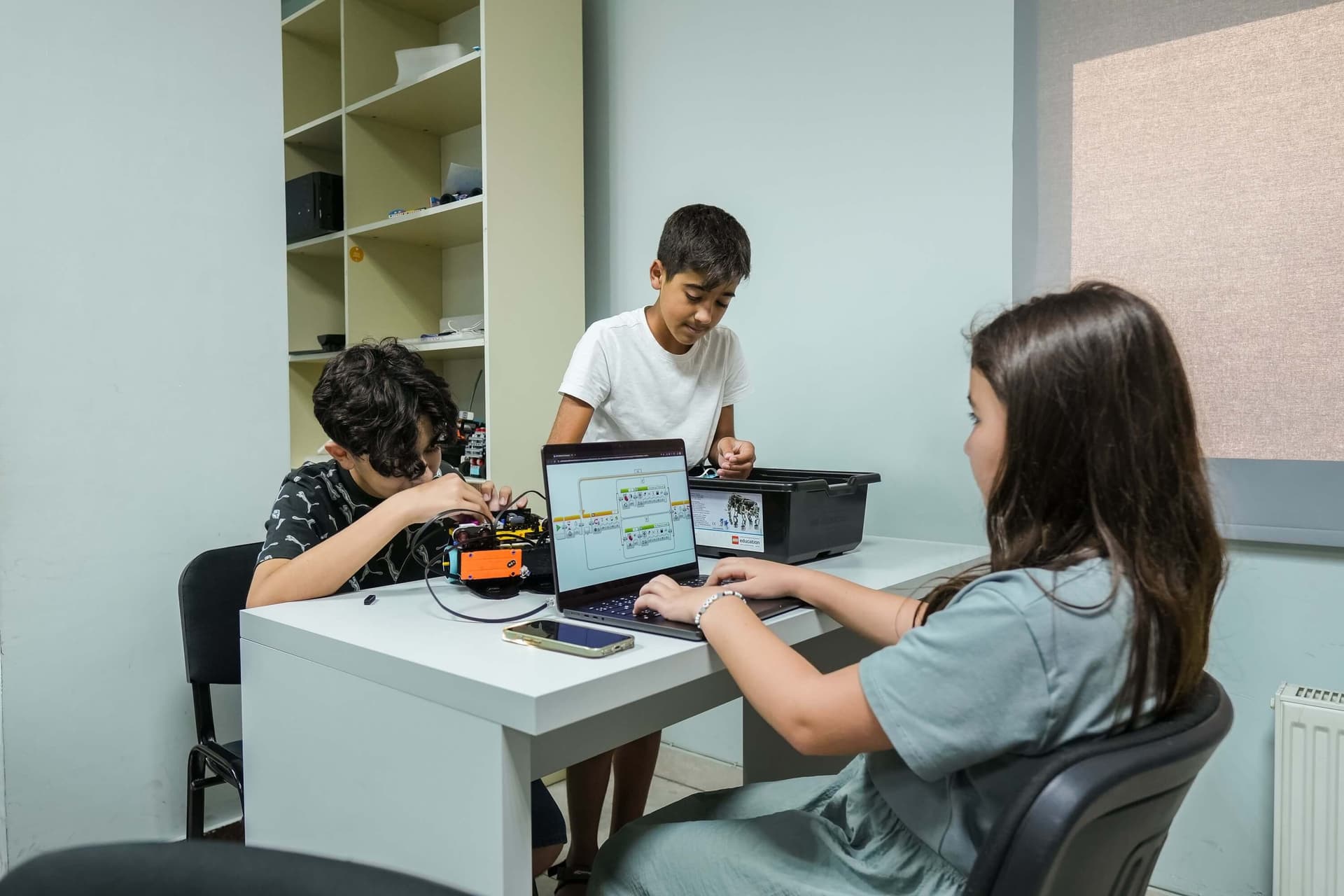
Your child learns to build programs from blocks in Scratch, control a character, create an interactive story and make a first small game.
- Age
- 7–10
- Format
- In person
- Language
- Azerbaijani / Russian
Course outcome
What you will gain
- Using sequence, loops, conditions and events
- Creating an interactive story with characters, a stage and sound
- Building score, lives and timer counters with variables
- Finding and fixing errors in a program
- Presenting their own project to the class
Programme overview
About the course
The course is a first step into programming: the child only needs to read and use a computer. Coloured blocks replace lines of code, so attention goes to the thinking itself rather than to syntax.
Sequence first, then loops and conditions
The child starts by moving a character step by step and soon sees that one loop can replace ten identical commands. Events (keyboard, mouse, collision) and conditions follow: the character stops at a wall and a sound plays when points are scored. The core ideas of programming are learned inside the game.
Finding mistakes is part of the lesson
A program does not always work on the first try. Students learn to check blocks one at a time, find the error, fix it and try again. This habit carries into every later programming course.
The result is their own project
At the end of the course the child builds a small game of their own (for example a maze or a catching game) or an interactive story and presents it to the class. This lays the groundwork for the Software Engineering or robotics courses.
The aim is not to hand the child a finished game but to raise a young author who understands how a game works and can turn an idea into a program.
Technologies and tools
- Scratch
- Visual blocks
- Animation
- Interactive story
- Simple game logic
Curriculum
Syllabus
Scratch and Visual Programming has 2 sections and 8 modules. Open a section to see its topics.
Foundations4 modules
- The Scratch environment: stage, sprite and blocks
- Motion and sequence: the first animation
- Loops: repeating actions
- Events and control: keyboard and mouse
Practice and final project4 modules
- Conditions: collisions and decisions
- Variables: score, lives and timer
- Sound, backdrops and an interactive story
- Final project: their own game or story
Simplified teaching model
Bloklarla labirint: ardıcıllıq və dövr
İrəli, dön və təkrarla bloklarından proqram qurun; personajı divarlara dəymədən hədəfə aparın və dövrlərin blok sayını necə azaltdığını görün.
The interactive model is in Azerbaijani.
Groups and enrollment
Before you choose
- Starting skills
- Choose a starting level that fits your experience and goals.
- Schedule and start
- Confirm class days, times, session length and start date.
- Group instructor and language
- Confirm your group’s instructor and teaching language.
- Equipment
- Ask what equipment you need and what the laboratory provides.
- Practice and assessment
- Review project examples and the assessment process.
- Enrollment terms
- Check what is included, payment and participation terms.
Next steps
- Send a course inquiry.
- Confirm a suitable group and participation terms.
- Before enrollment, confirm the time of the first on-site class and its room at the academy.
An inquiry is not automatic enrollment or payment.
Ask about a groupTopics and skills are curriculum goals; individual results depend on participation and completed work.
Baku · In-person classes
Venue
Academy address
116A Nasib bey Yusifbeyli Street, Narimanov, Baku AZ1025 (near Ganjlik metro station)
Opening hours: Monday–Friday: 09:00–18:00 · Saturday: 10:00–16:00
Frequently asked questions
Who is the Scratch and Visual Programming course for?
The course is taught for the matching age and level (7–10). Contact IT Innovations Academy for details. Address and WRO/achievements: /en/faq.
What languages is the course taught in?
Teaching languages: Azerbaijani / Russian.